Skip to Main Content
Cascade CMS
twoColumn twoRight

Intro to Cascade

Logging In

Steps to log in

  1. Go to https://www.unf.edu/cascade/ 
  2. Enter your UNF username and password
  3. Click Log In
What happens next
After logging in, you’ll land on your Dashboard, where you can access and manage your website content.
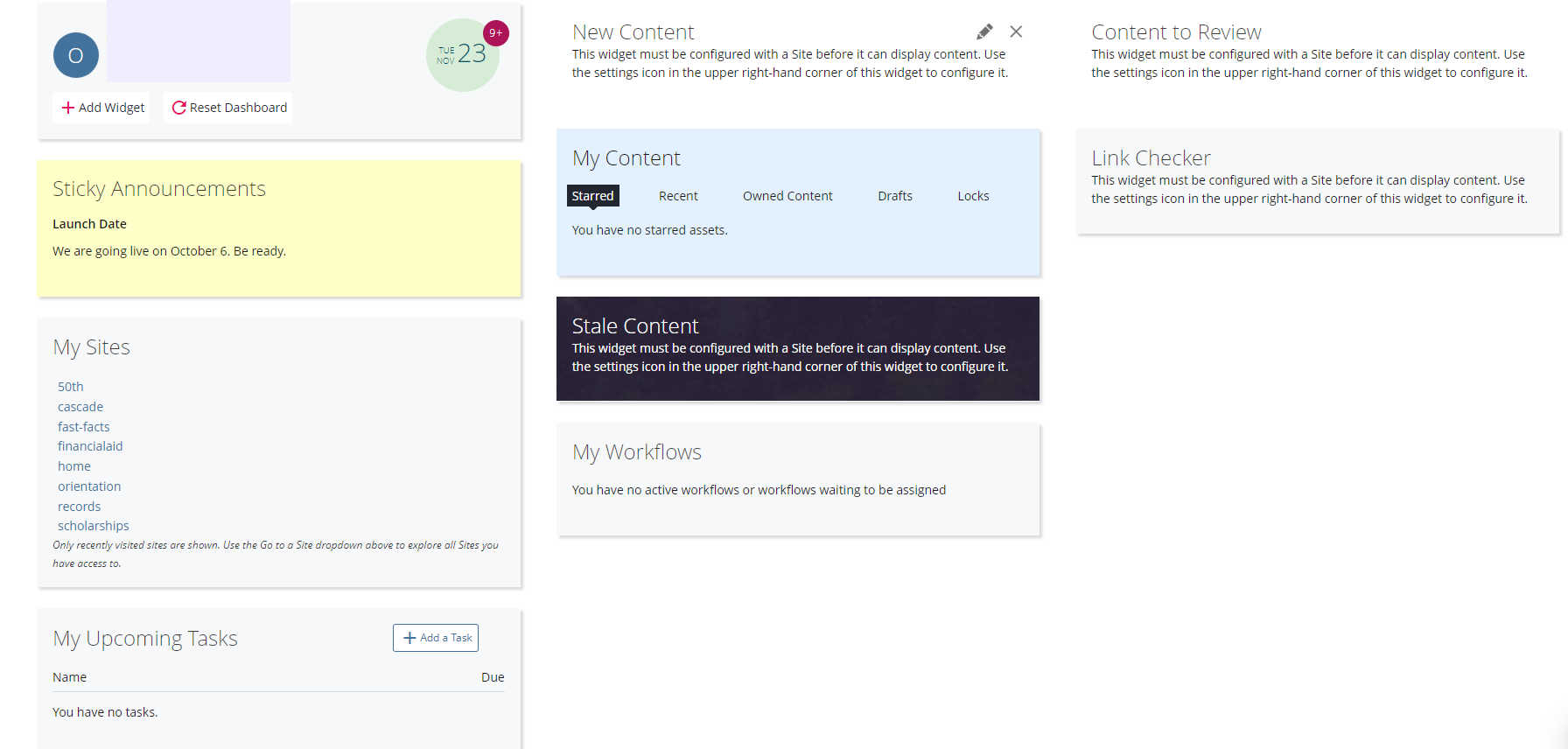
Dashboard

Quick look at the dashboard


Cascade-Dashboard-Example.png

  • Top bar (header): Use this to switch sites or search for pages
  • Main area: Shows your content, drafts, and announcements
  • Search: The fastest way to find a page if you know its name


💡 Tip: Most editors primarily use the site selector and search to get to their content quickly.