

Technology
Photoshop for Beginners
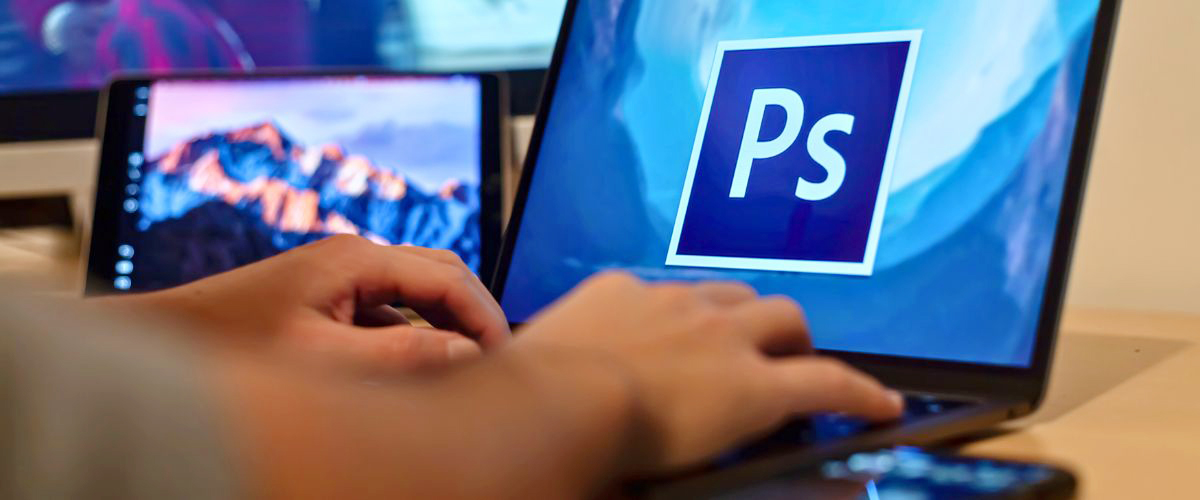
Enhance your photography skills with our Photoshop for Beginners course. You'll become proficient in Adobe Photoshop and learn key techniques for improving digital photos, including adjustments in color, brightness, and sharpness, as well as combining images, cloning, and retouching. Understand the differences between RAW and JPG formats. This interactive workshop includes live demonstrations by the expert instructor. Bring your laptop to participate actively, using pre-selected images provided in class for hands-on practice.
Introduction to Lightroom Classic
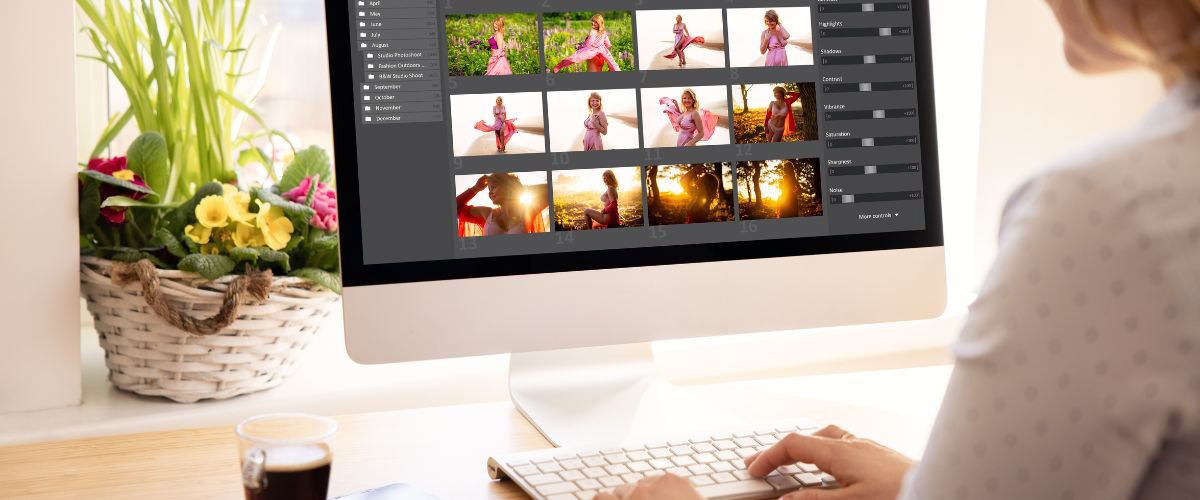
Digital photography produces an explosion of images and keeping track of them can be a real challenge. Learn how to make order out of chaos using Adobe Lightroom Classic. The Library Module lets you import, catalog, and add keywords to your photos. The Develop Module provides powerful editing tools for color adjustment, cropping, red-eye removal, and making other corrections. With Lightroom’s non-destructive feature, you can edit the photo without altering the original file.

AI for Beginners
Feeling like you’re supposed to understand AI but don’t know where to start? Or maybe you’ve tried tools like ChatGPT and weren’t impressed. This hands-on, beginner-friendly course is designed to give you that “aha!” moment. Your instructor will demystify the technology and show you the truly useful and creative ways AI can enhance your daily life—no technical background needed. This is a fully online, self-paced course, allowing you to learn on your own schedule. You’ll work through engaging video lessons and practical, hands-on exercises designed to build your skills step-by-step. Plus, get the support you need by joining voluntary, virtual office hours with your instructor to ask questions and get personalized feedback.