Cancellations may be made in Web App up until 3:00 PM on the Monday before each Market Day Wednesday, unless otherwise posted on the Market Days webpage. Vendors that do not meet the cancellation deadline, or who do not show up, are still responsible for charges.
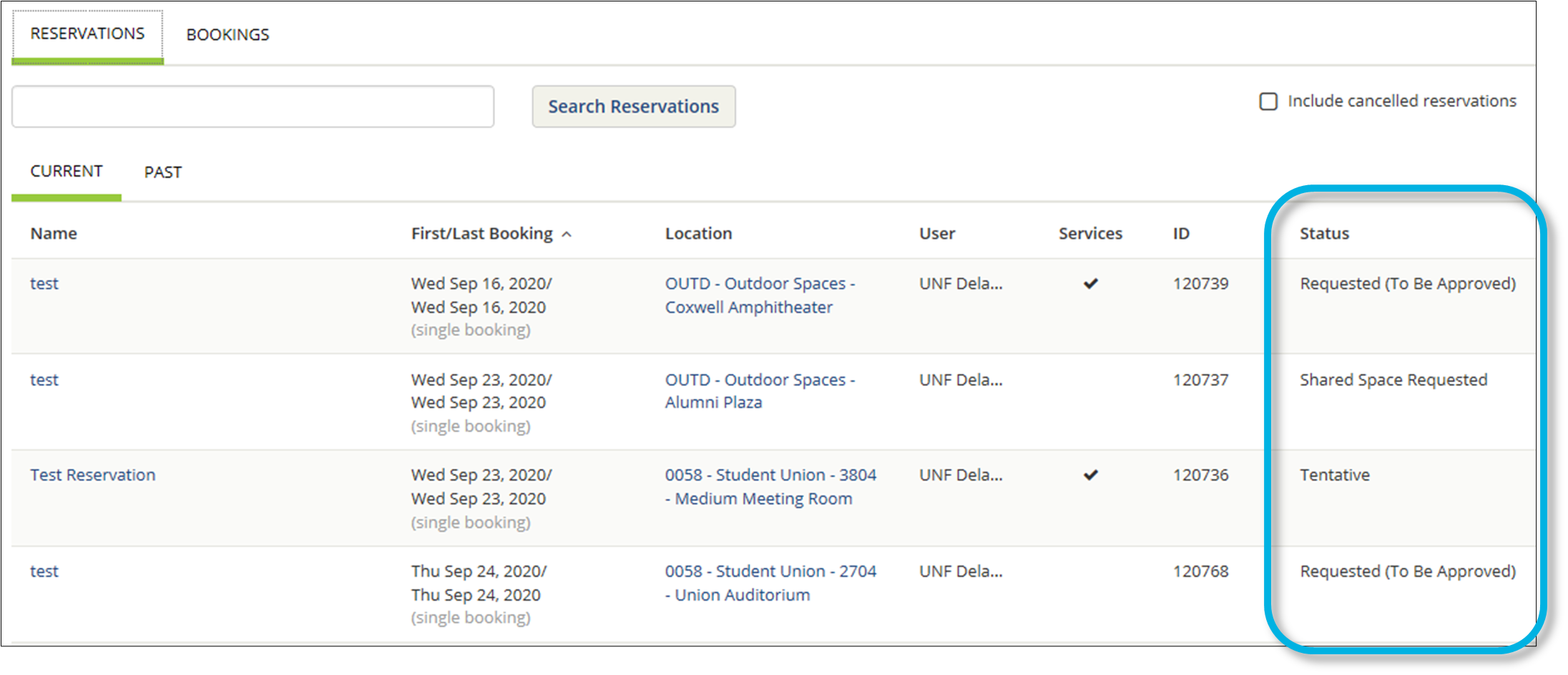
Failure to confirm your Market Day reservation by 5:00 PM the Wednesday prior will result in penalties. "Failure to confirm" is defined as not submitting the signed Facilities Use Agreement, documentation, or payment by the deadline.
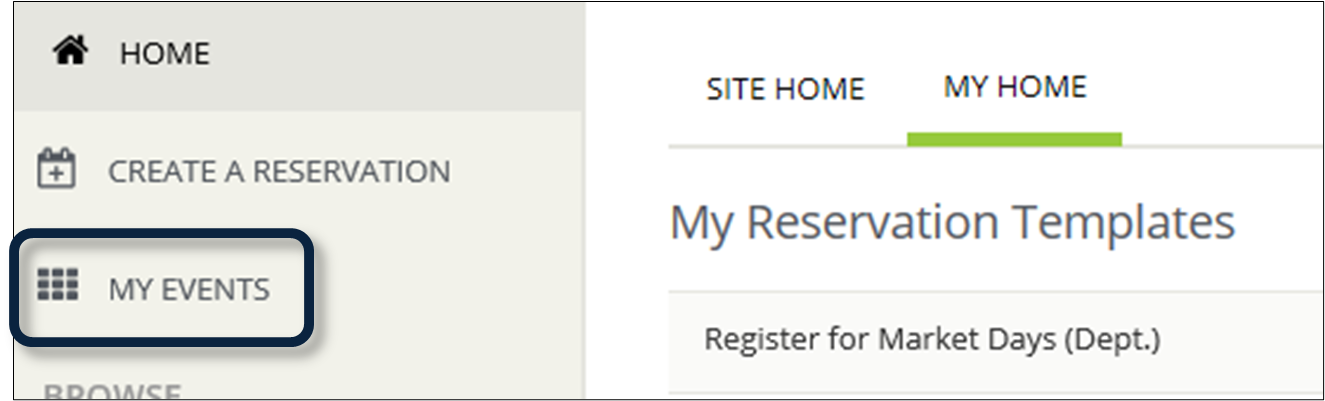
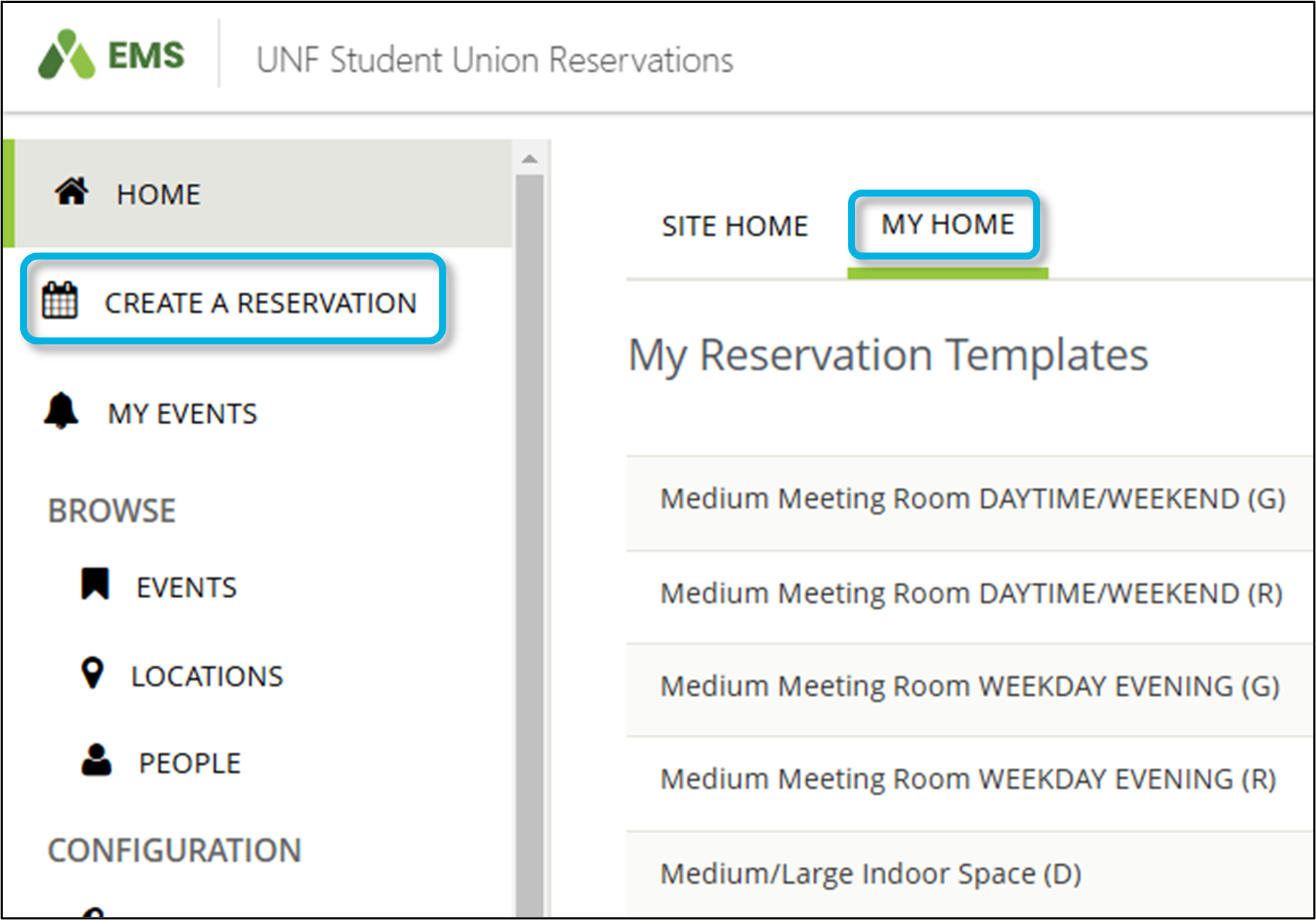
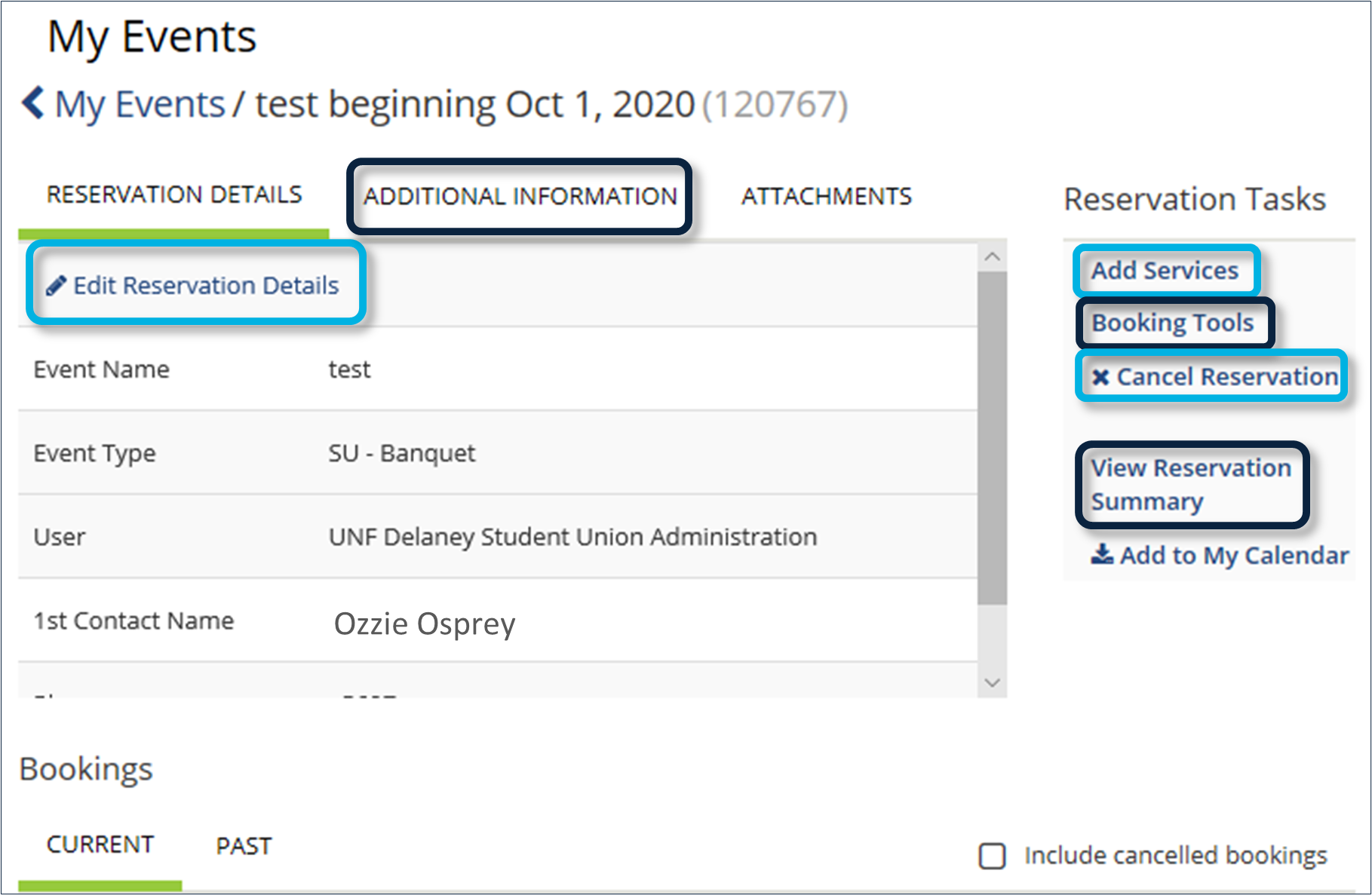
- To cancel an entire Reservation or an individual Booking, go to MY EVENTS.
- A list of upcoming Reservations assigned to your Web App Everyday User Account will show.
- You will not be able to view any of your organization's reservations that are assigned to other people's accounts.
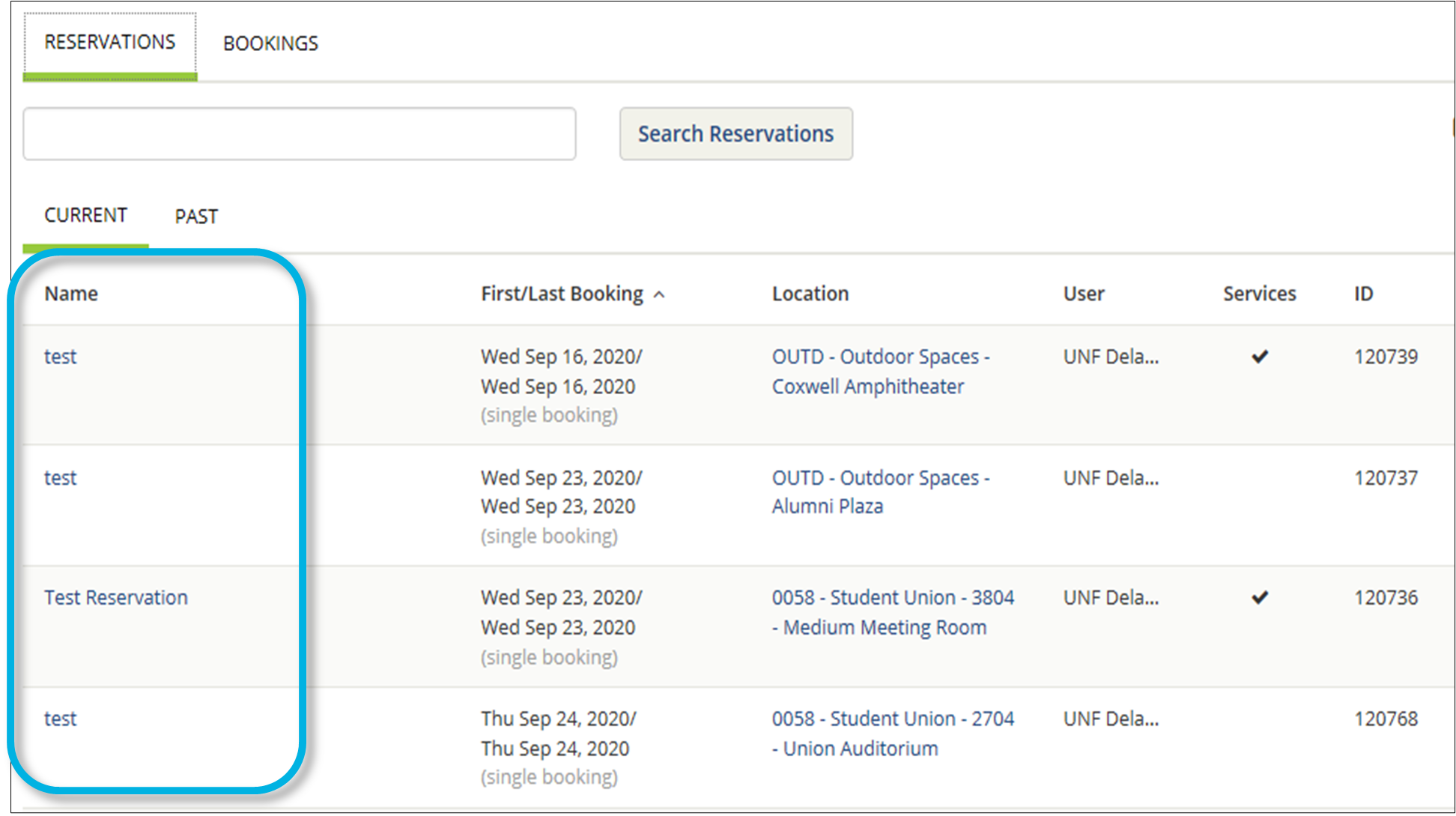
- Click the name of the Reservation.
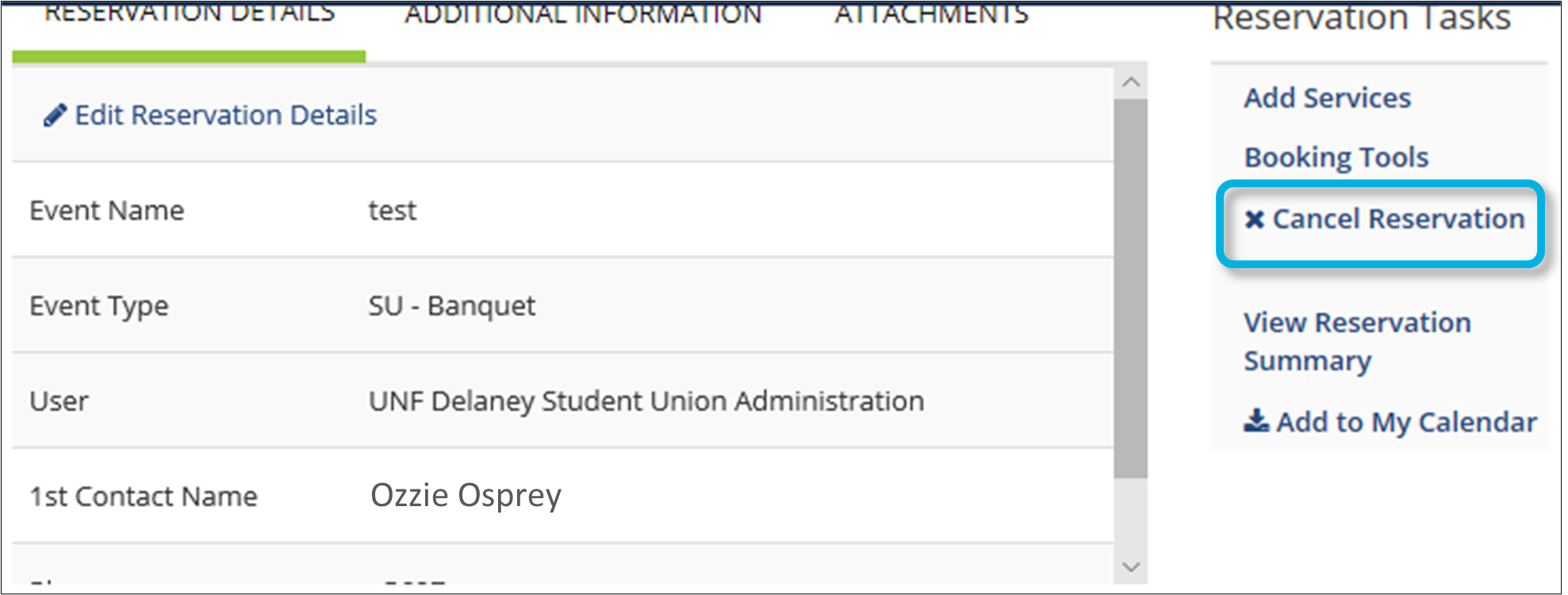
- To cancel the entire Reservation, under Reservation Tasks, click Cancel Reservation. All associated bookings will be cancelled as well.
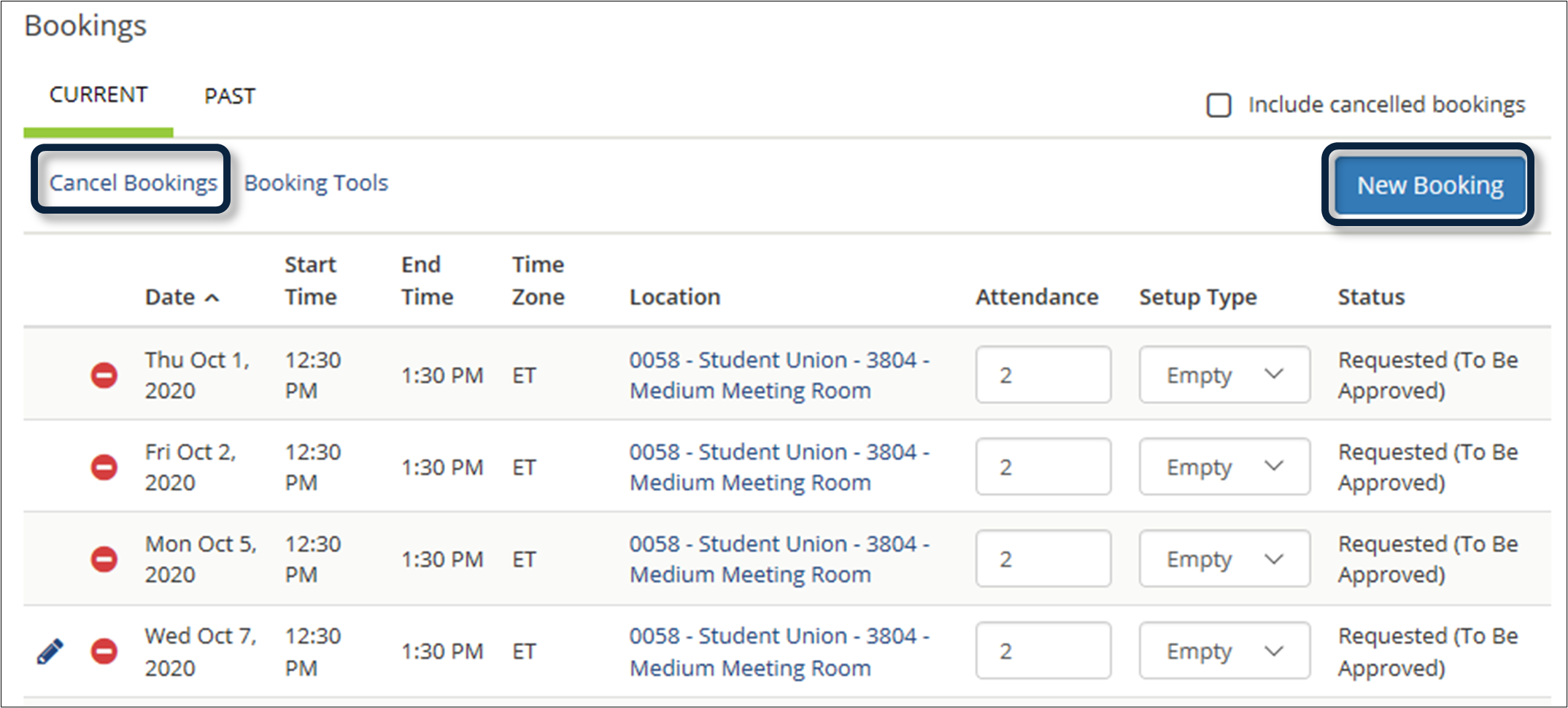
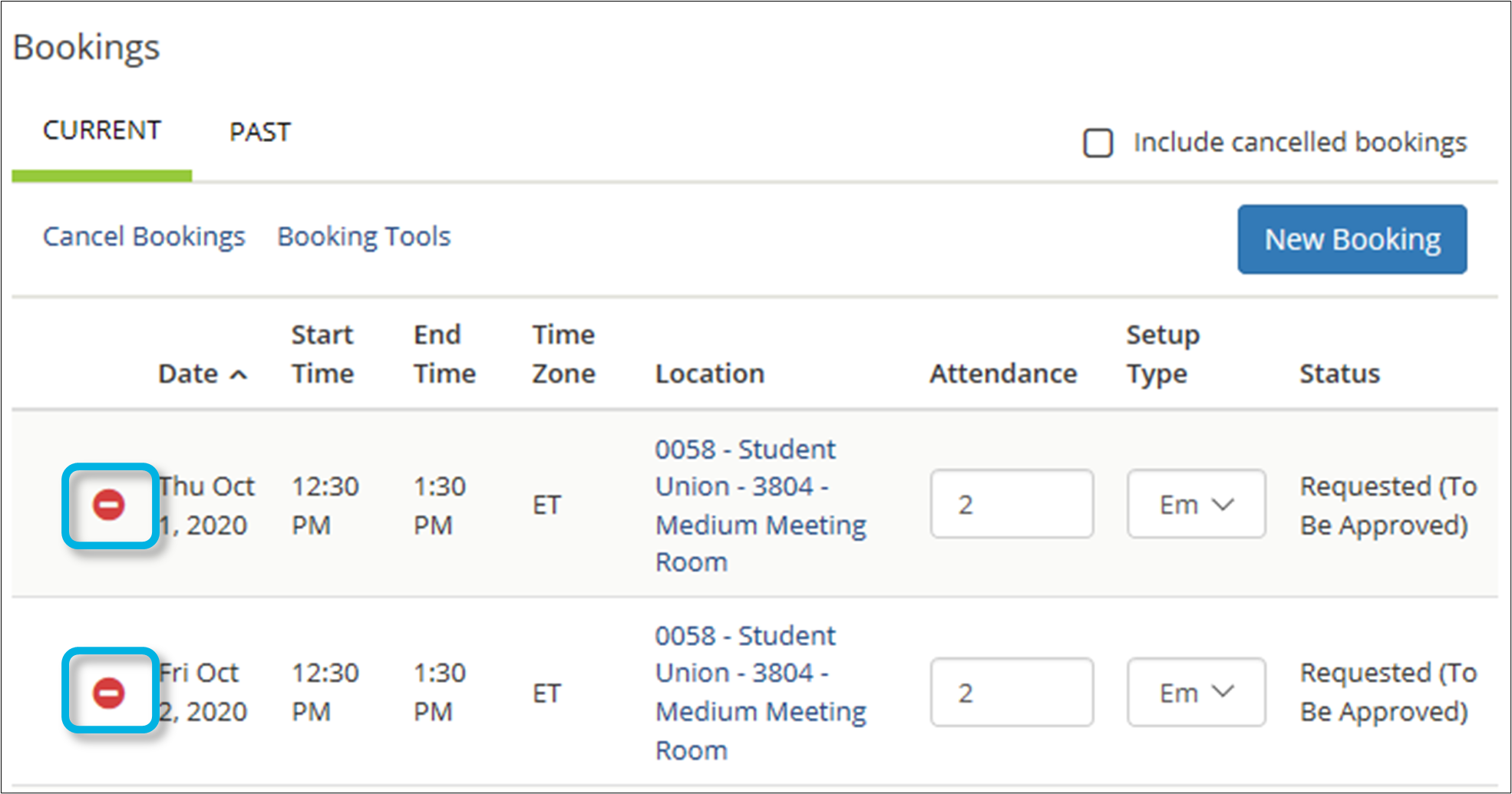
- To cancel individual bookings on a reservation, without canceling the entire reservation, scroll down to the Bookings section. Click the Minus icon (-) next to the booking(s) you wish to cancel.

 In the Bookings section: